







Customers4 of 7
Buyer Portal
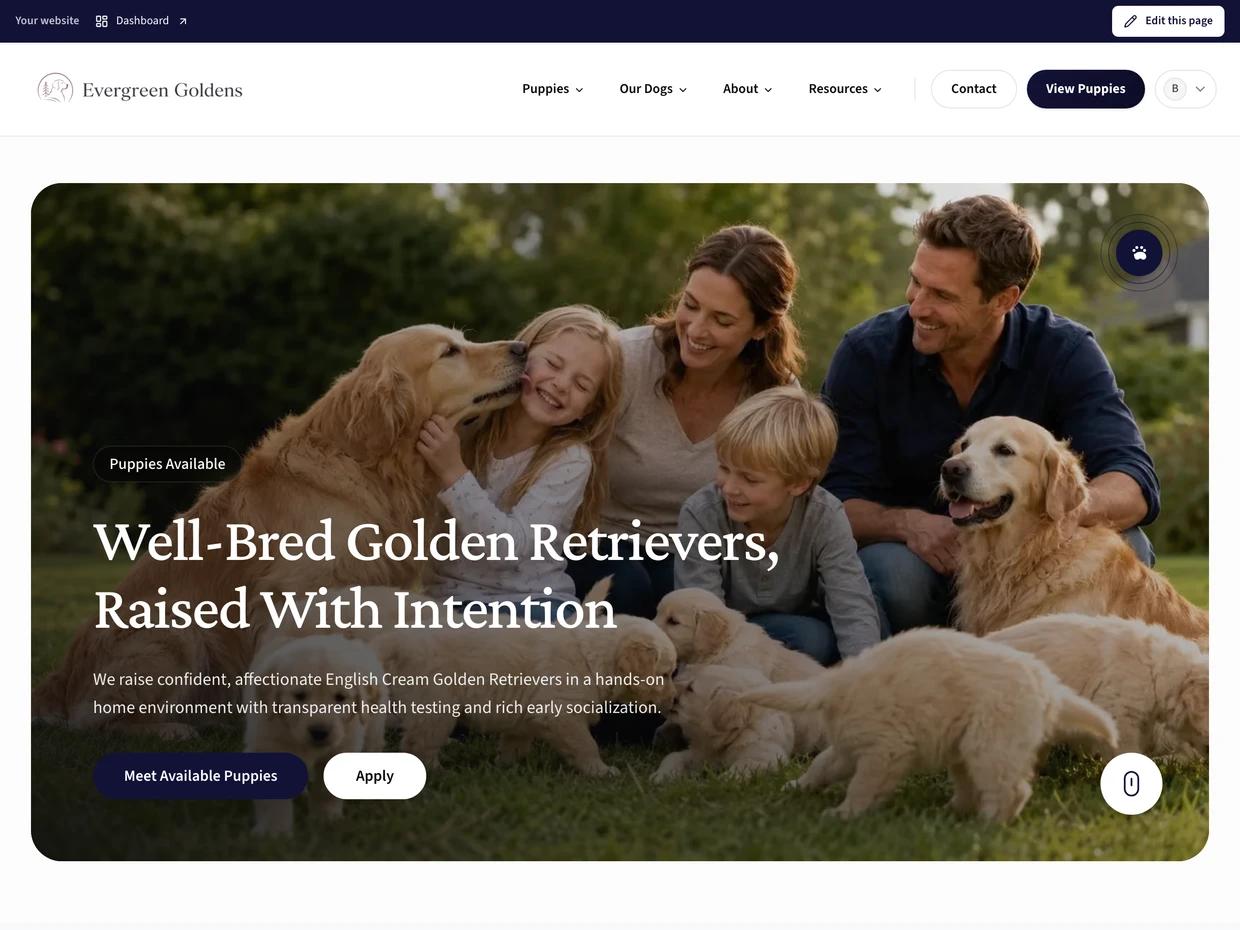
Each family gets their own login on your website where they can check their status, sign paperwork, answer offers, and pay, instead of asking you by text every time.
- Included in every plan
- 30-day trial for new customers
- No add-ons to buy
Welcome back, Harper
Your account at Evergreen Goldens
Maple
Your reservation is accepted. Complete the payment below.
1 form awaiting your response
Puppy Home Prep QuestionnaireOpen
Your Progress
- Application received
- Approved
- Puppy offer accepted
- Pay deposit
Try it. Open each section, then pay the deposit as the family would.
- Their Own LoginA private account on your website, under your kennel’s name. They sign in with a password or a link sent to their email.
- Their Puppy and What Is NextThe puppy they accepted and each step so far, from application received to puppy matched. The next step is always marked.
- Forms Waiting for ThemAny form or contract you send shows at the top of their account until it is filled in.
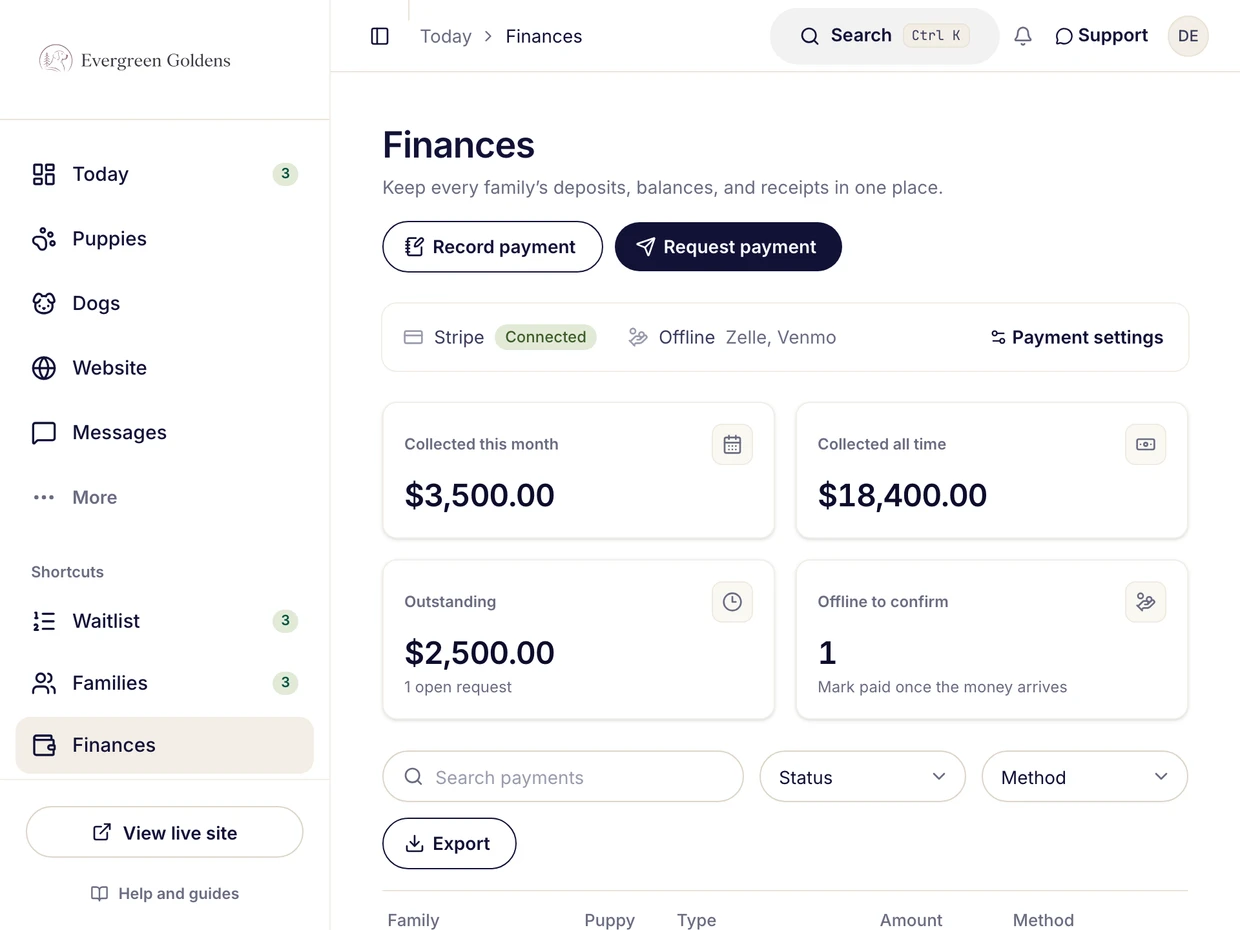
- Offers and PaymentsThey answer an offer, pay a deposit or a balance, and see every payment and credit, without texting you to ask.
- Messages and RecordsOne conversation with you, and the health records you share for their puppy, ready to print.
Also in their account: their application, which they can update, and their own name and phone number.

Why breeders use it
One Login for Your Families
Each family gets a private account on your website with their application, forms to fill in, offers to answer and payments to make.
Answers Without Asking You
Families see their progress, what they owe and what is waiting for them, so they do not have to text you to find out.
Under Your Name
Families sign in on your website, under your kennel’s name. They only ever see what is theirs.
Everything on the Record
What they filled in, what they paid and what they were offered all stay in their account, for you and for them.
Three simple steps
How It Works
Invite or Let Them Sign Up
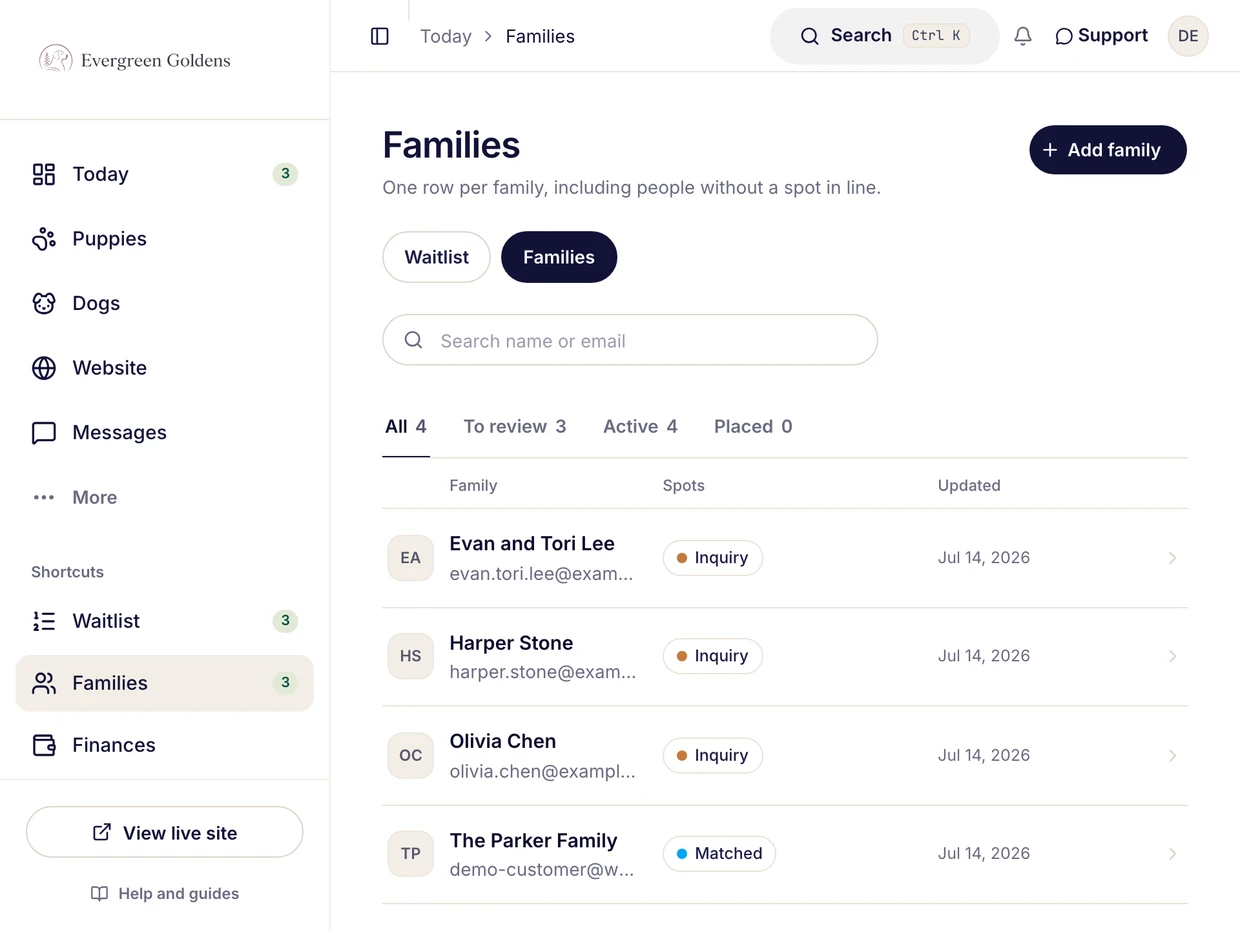
Families create accounts when applying, or you invite a family with one click.
They Act in the Portal
Forms, offers, and payments all happen inside their account.
You See It in Your Dashboard
What they fill in, accept, and pay shows up on their record.
Included in every plan
What You Can Do With It
Buyer Portal is part of every Whelpify plan. There is no add-on to buy.

- Give each family a private account on your website, under your kennel’s name
- Let families sign in with a password or a link sent to their email
- Let families fill in and sign forms and contracts online
- Let families accept or decline an offer themselves
- Take deposits and balances online, or show how to pay you directly
- Show each family their payments, credits and open requests
- Share health records for their puppy, ready to print
Good to know
Questions Breeders Ask
Something we did not cover?Write to us. A person replies within one business day.
Contact UsNo. They apply on your website first and are emailed a secure link to their account. An application sent before they had an account is linked by their email address.
Three ways: by applying on your site, by signing up there themselves, or from an invitation you send from their record.
Yes. If you take payment another way, the request shows your own instructions, and you mark it paid when the money arrives.
Better together