New features and improvements, dated the day they ship. No upgrade fees and nothing to rebuild. When something appears here, it is already in your account.
Open Analytics in your dashboard to see your website visitors. It shows how many people came to your website, which pages and puppies they looked at, where they live, and whether they used a phone or a computer. There is nothing to set up, and your own visits are left out.
Every way people reach your website is listed by name, such as Facebook, Google search, or a listing site, with how many went on to apply. When a family applies, their page shows where they first came from and what they looked at before getting in touch.
Press Connect Google on the Analytics page and sign in. Whelpify confirms with Google that the website is yours and sends Google your list of pages, with no tag to paste. Your page then shows what people searched for, how many clicked, and where you sit in the results.
Make a short link for a flyer, your Instagram bio, or a listing, and see how many people each one brings. Every link comes with a QR code you can download and print.
On Monday morning you get last week in short: visitors, applications, deposits, your most visited page, and one idea to try. The bell tells you about an unusually busy day, the first visitor from a tracked link, and a website that has gone quiet. You can turn the email off on your Emails page.
Today shows your website visitors for the last 7 days. The Puppies and Litters lists show visitors this week for each one and how many asked, the Pages list shows visitors for each page, and Social Posts shows the visitors each post brought.
If you already use Google Analytics or run Facebook and Instagram ads, paste your Google Analytics ID or Meta Pixel ID on the Tracking codes page. Every website also has a new page at /privacy that tells visitors, in plain words, what the website collects and the cookies it uses.
In the website editor, click any words on your page and type. Press Enter when you are done, or Escape to put the words back. Undo takes back what you typed.
Select any words and a bar of text tools appears beside them: font, size, bold, italic, underline, capitals, color, alignment, and spacing. The tools show what your design already uses, and one button puts the words back to the design’s own look.
A button can have its own color, border, corners, and shadow. A card can have its own background, border, corners, and shadow, and Use for every card gives the whole list the same look. Photos can have rounded corners, a border, and a shadow.
Each section can have its own background color, its own fonts and colors for headings and text, and its own space above and below. Open Colors, fonts and space in the section panel.
Change the look now shows pictures of your own section in each layout, with your words and photos. Next look and Previous look step through them one click at a time, and your section is kept as it was until you settle on one.
Drag a section or a card by its grip to move it, with a mouse, a finger, or the keyboard. Every card has buttons to move, copy, and remove it, and a section you remove comes back with Undo.
Add a section opens on layouts in your site’s own style, grouped under plain names such as Top of page, Photos, and Reviews. Each layout has a picture, and you choose where the new section goes: at the top, after any section, or at the bottom.
Whelpify.com has a new design, and all 203 breed pages now carry a full breed guide. The four free calculators are easier to use and do more, and the emails Whelpify sends you use a simpler layout.
Dashboard screens open in fewer steps, saves finish sooner, and editors, menus, and notifications open without the extra wait. Photo uploads stay responsive and keep the order you picked them in.
ImprovedWebsite & Design
Media Keeps Your Place
Media now loads small previews as you scroll, and keeps your place when you edit or delete a photo. If a photo cannot be deleted because a puppy or review still shows it, Media tells you where it is used.
Your pages are now prepared ahead of time and refreshed as soon as you save a change, so they open faster for visitors. Photos arrive resized for the screen, and each site loads only the styles it uses.
ImprovedWebsite & Design
Litters Sorted by Due Date
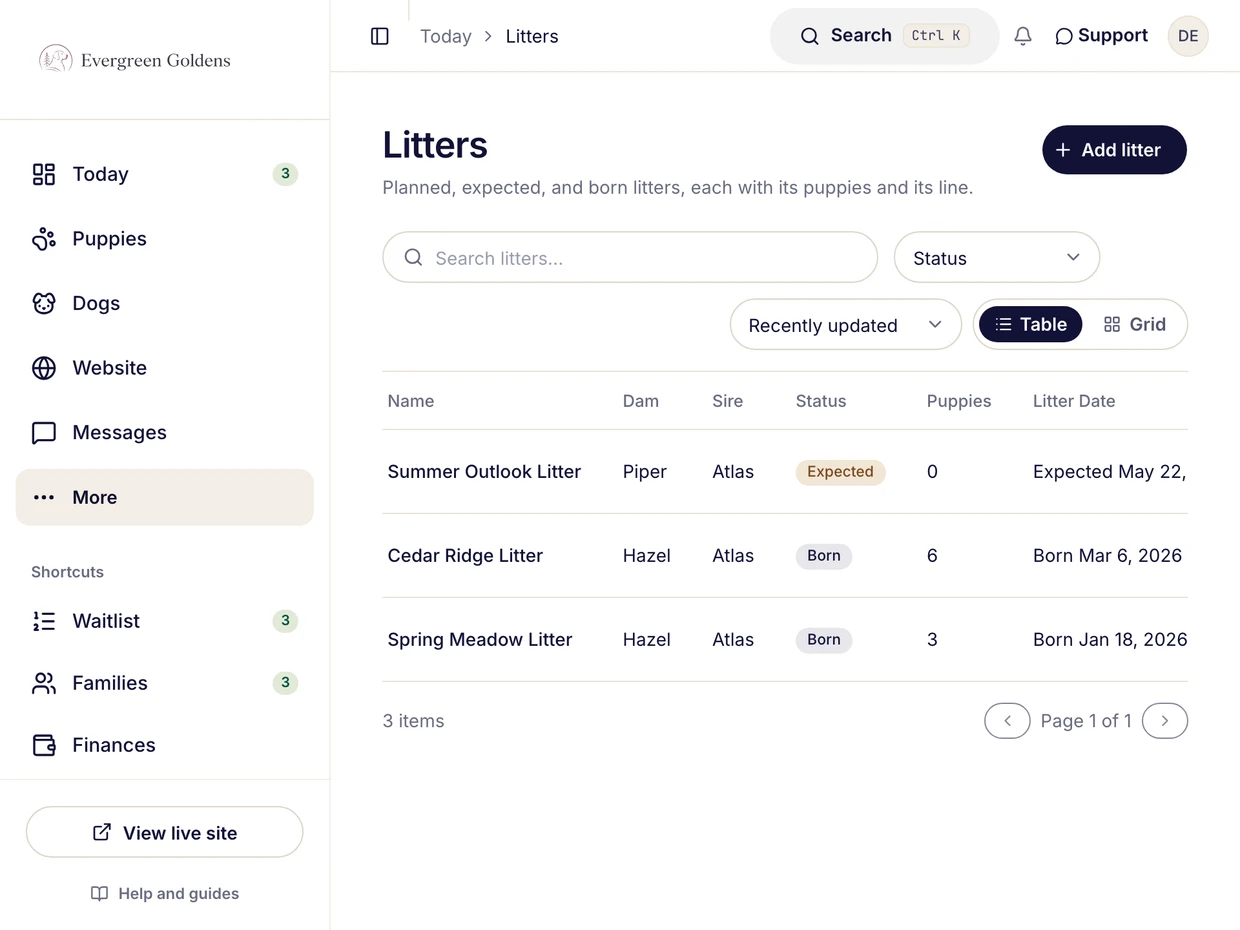
Litters now keep an expected due date and an actual birth date separately. On your site, litters can be sorted by due date, filtered by expected month, and past litters are kept apart.
Blog posts can be filed under topics, each with its own page, and can end with a short note about the author. New photos of dogs, puppies, and litters get a description from the name and breed, which helps screen readers and search engines.
Frame a photo by dragging it into place and setting the zoom, on dog, puppy, and litter records, blog posts, and website sections. Your original photo stays intact, and Media and the website editor use the same controls.
NewWebsite & Design
Verify Your Site With Google Search Console
Paste the verification tag from Google Search Console into your Settings and save, then select Verify in Search Console. Keep it saved after you are verified.
Each puppy now has Health Records for vaccinations, deworming, vet visits, and treatments, and any entry you choose to share shows in the family’s account on your site. Litters get private records for breeding dates, pregnancy, and registration.
Save a named copy of your website design before trying a new look, and switch back whenever you like. Pages, colors, fonts, and menus stay with each design, while your dogs, families, and payments stay the same.
New
Invite Another Administrator
Bring a partner or helper into your workspace. Create an invitation link under Settings, then Workspace Administrators, and share it with them.
October 2026
4 updates
ImprovedFamilies & Applications
A Dashboard Built Around Your Waitlist
The Today page puts everything that needs you in one list, followed by what is coming up. On the waitlist, every action for a spot, from recording a deposit to assigning a puppy, sits in one menu on its row, and approving or declining a family can include a personal note.
Clearer Steps for Adding Puppies, Dogs, and Litters
Adding a puppy, dog, or litter now groups the questions into three parts, with a bar for each part that fills as you answer.
ImprovedFamilies & Applications
Waitlist and Families in One Place
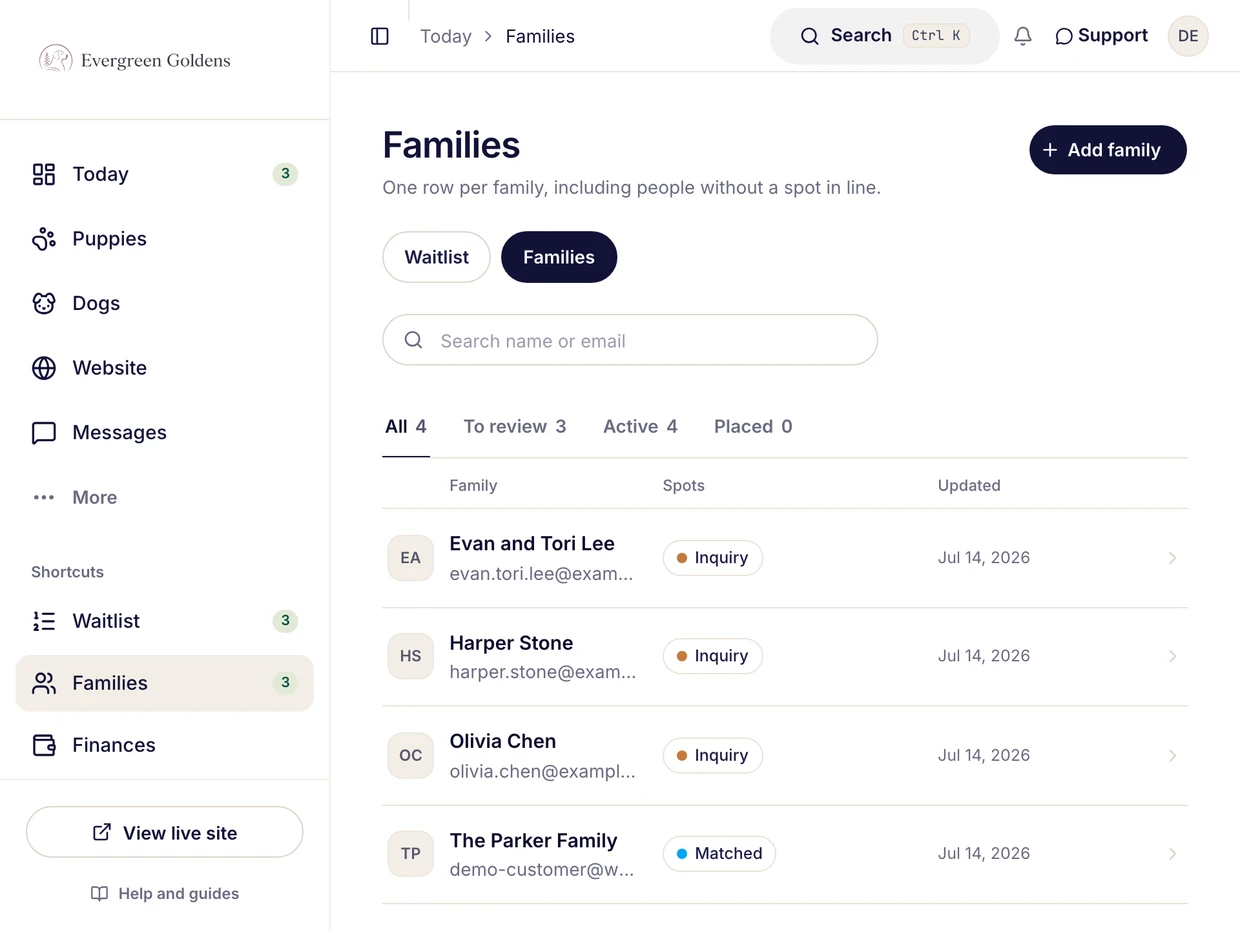
Waitlist and Families are now two views of the same people, with one search and one switch between them. Each row on the waitlist is one spot, which is one place in line for one puppy. A family can hold more than one spot, with a separate puppy offer and deposit for each.
Turn on Include processing costs in puppy prices, then enter the amount you want to receive for each puppy. The dashboard shows the customer price before you save, and that price is used on your website and for the reservation.
Annual plans now include a free custom .com for one year after your first successful payment. Monthly plans unlock it after two successful payments. Claim it from your dashboard, or keep using a domain you already own.
Turn on Owned by someone else to credit an outside stud or another breeder’s dog, with the owner’s name and a link to their website. You can still choose the dog as a parent in litters and pedigrees.
Add grandparents and older ancestors from a dog’s Pedigree section without creating a dog record for each one. Families can explore the whole family tree on your parent and puppy pages.
Send us an idea from your dashboard, vote for the improvements you would use, and follow each one through Ideas, Planned, In Progress, and Shipped. Every request is reviewed before it appears on the public roadmap.
Connect ChatGPT, Codex, or Claude to your breeder account and update supported website content and records in conversation. You choose the permissions, and you can review each proposed change or allow automatic changes for a connection you trust.
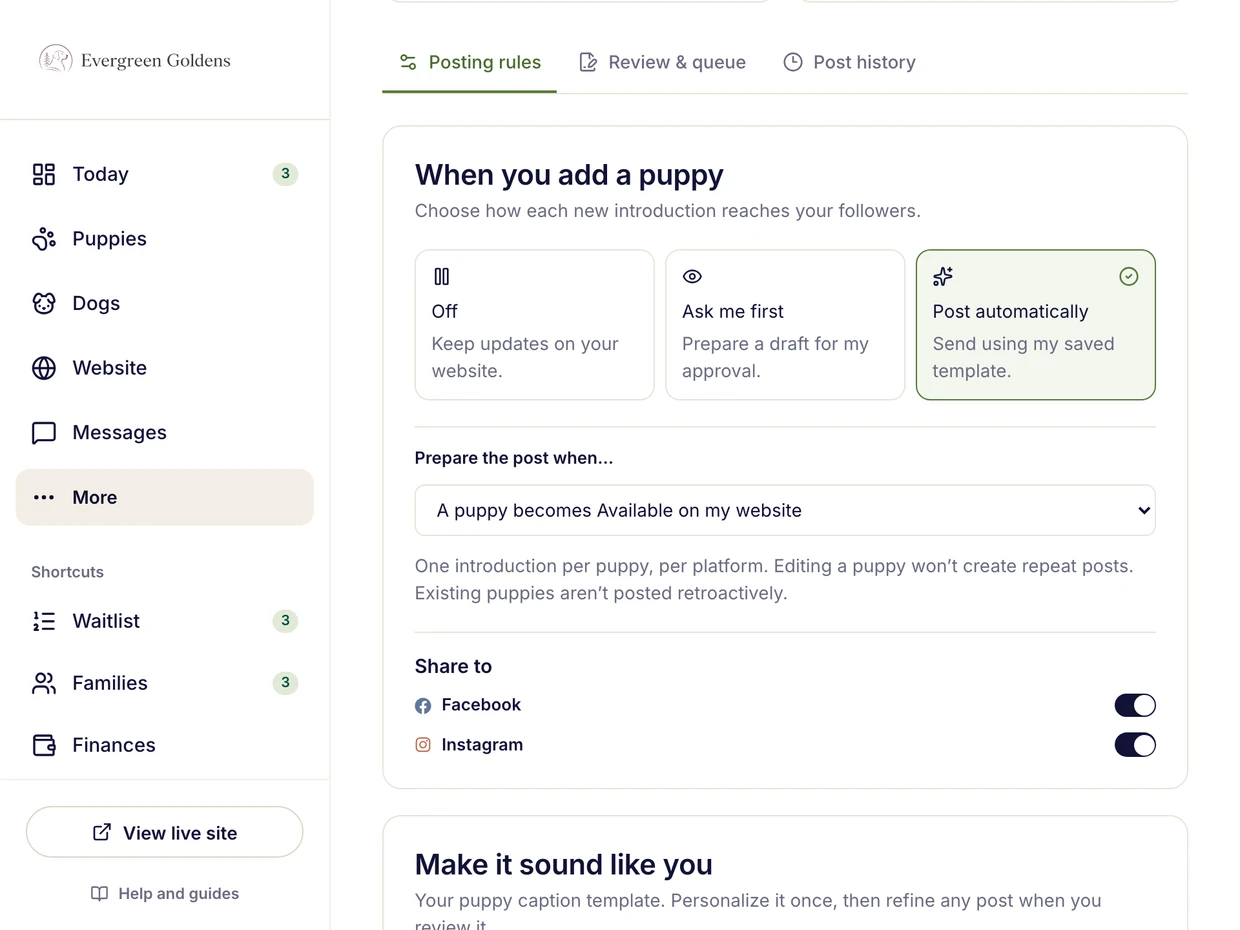
Social Posts now has three settings: Off, Ask me first, or Post automatically. With Ask me first, each puppy introduction waits for you. Preview it, edit the caption, reorder the photos, then approve it or skip it.
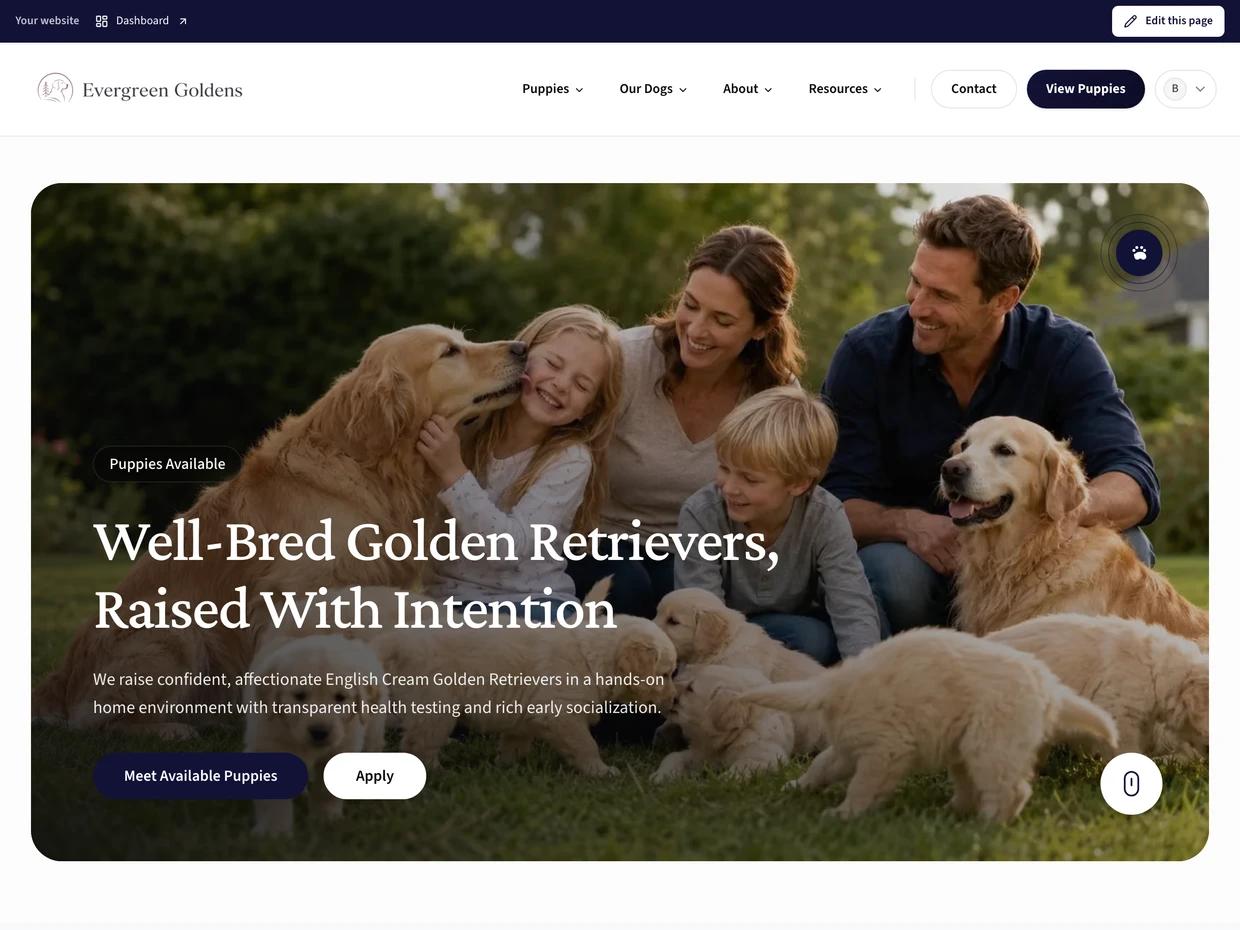
While signed in, open your website and choose Edit this page in the toolbar at the top. Click a heading, paragraph, button, or photo to change it, and visitors never see these owner tools.
The color choices on your waitlist and application forms now come from a list written for every AKC breed. Edit the list in Settings under Breed defaults, and choose whether families can type their own.
Illustrated, step-by-step guides for setting up your website, adding your dogs, handling families, and taking payments, with a search box to find the right one.
Share your referral link with other breeders. Qualified referrals earn subscription months, with a lifetime subscription benefit at ten qualified referrals. Follow your progress from the referral page in your dashboard.
Create a new page from Website, then Pages. Give it a name and web address, choose where it sits in your menu, and it stays a draft until you publish it.
Mark a dog as Up and coming when it is part of your plans but not breeding yet.
July 2026
18 updates
ImprovedDogs, Puppies & Litters
Quicker Ways to Add Dogs, Puppies, and Litters
Adding a record now starts with the essential details, one step at a time. Fill in the rest when you are ready. It works the same way on your phone and on your computer.
NewFamilies & Applications
Customer Messaging
Chat with your families without leaving Whelpify. The new Messages page in your dashboard keeps one thread per customer. Link a puppy into any message as a tappable card, get a bell and an email the moment someone writes, and let families reply from their account on your site. Offers and new-puppy matches post into the thread on their own, so each conversation reads as the full story.
Four free calculators for heat cycles, whelping dates, puppy milestones, and adult weight. No sign-up is needed, and you can embed any of them on your own website.
New-puppy alerts now go to the five families highest on your waitlist first, with one-tap “I’m interested” and “not this puppy” buttons right in the email. Families who raise their hand appear on the puppy’s page in your dashboard right away. If nobody responds within 48 hours, the next five families are invited automatically. Interest is framed as a raised hand, never a reservation.
On phones, your public site now has a bottom navigation bar: Home, Puppies, an Apply button in your brand color, Litters, and a menu with every page. It is the same pattern your dashboard already uses.
NewWebsite & Design
New Sections: How It Works and What’s Included
Two new page sections built for how breeders sell. A numbered adoption timeline walks families from application to go-home day, and a what’s-included checklist comes with an optional price card. Both arrive filled in with starter content, so they look finished the moment you add them.
NewWebsite & Design
New Hero Layout: Photo Right
Your home page banner now has three looks: the classic full-width photo background, a light split layout with your photo beside the text, and a simple text banner. Switch between them with one click in the page editor and watch the preview change.
NewWebsite & Design
Visual Page Editor
Edit your pages on top of a live preview. Click any section in the preview to open its settings, watch each change appear as you type, switch between desktop, tablet, and phone views, and reorder sections from the list on the left. Drafts stay private until you publish, and the classic form editor is still one click away.
Drafts now save privately. Your live page never changes until you publish, and you can preview any draft exactly as visitors will see it, on desktop or phone. Adding sections is friendlier too: pick from a visual menu of section previews and drop one where you want it. Button links come from a list of your pages instead of typed-in paths, list items reorder with a click, and the editor warns you before you leave unsaved work behind.
NewFamilies & Applications
Waitlist Broadcasts
Email your whole waitlist in one send: litter announcements, availability updates, or news. Pick an audience (everyone, approved families, or deposit-paid), write your update, and it goes out under your kennel’s name.
When no puppies are available, your site now invites visitors to leave their email for the next litter, so a quiet week still adds families to your list.
Improved
Bigger Plans for Everyone
Every plan’s limits went up. Starter now includes 2,000 contacts and 2,500 emails a month, Pro includes 10,000 of each, and Breeder Plus includes 25,000 of each, all at the same prices.
ImprovedFamilies & Applications
Follow-Ups on Your Dashboard Home
Follow-ups that are due or overdue now appear at the top of your dashboard, so a promised call-back does not get buried in a detail page.
ImprovedWebsite & Design
Deposit Terms and Reviews on Puppy Pages
Puppy pages now show your deposit amount and policy before the reserve button, along with your review rating. Those are the two things families ask about before they commit.
Practical guides on the business side of breeding: deposits, waitlists, heat cycles, and photography. You will also find honest comparisons of Whelpify against marketplaces and other breeder software.
Track every girl’s heat cycles on a shared calendar, with science-based predictions that learn her personal rhythm, fertile-window estimates, and a reminder email two weeks before her projected next heat.
Families now get a confirmation email the moment you accept their reservation, along with clearer next-step emails through the deposit and payment steps.
ImprovedMobile Experience
Dashboard on Your Phone
A bottom navigation bar and a quick-add button make the whole dashboard comfortable to run with one hand. Record a heat, add a puppy, or check applications from the whelping box.
Every email Whelpify sends on your behalf, in one place. Turn types on or off, customize subjects, and add a personal note to each. All of them carry your kennel’s name, not ours.
Add signature and legal-statement fields to any form, so contracts and agreements get signed right on your site. No printing, and no separate e-sign subscription.
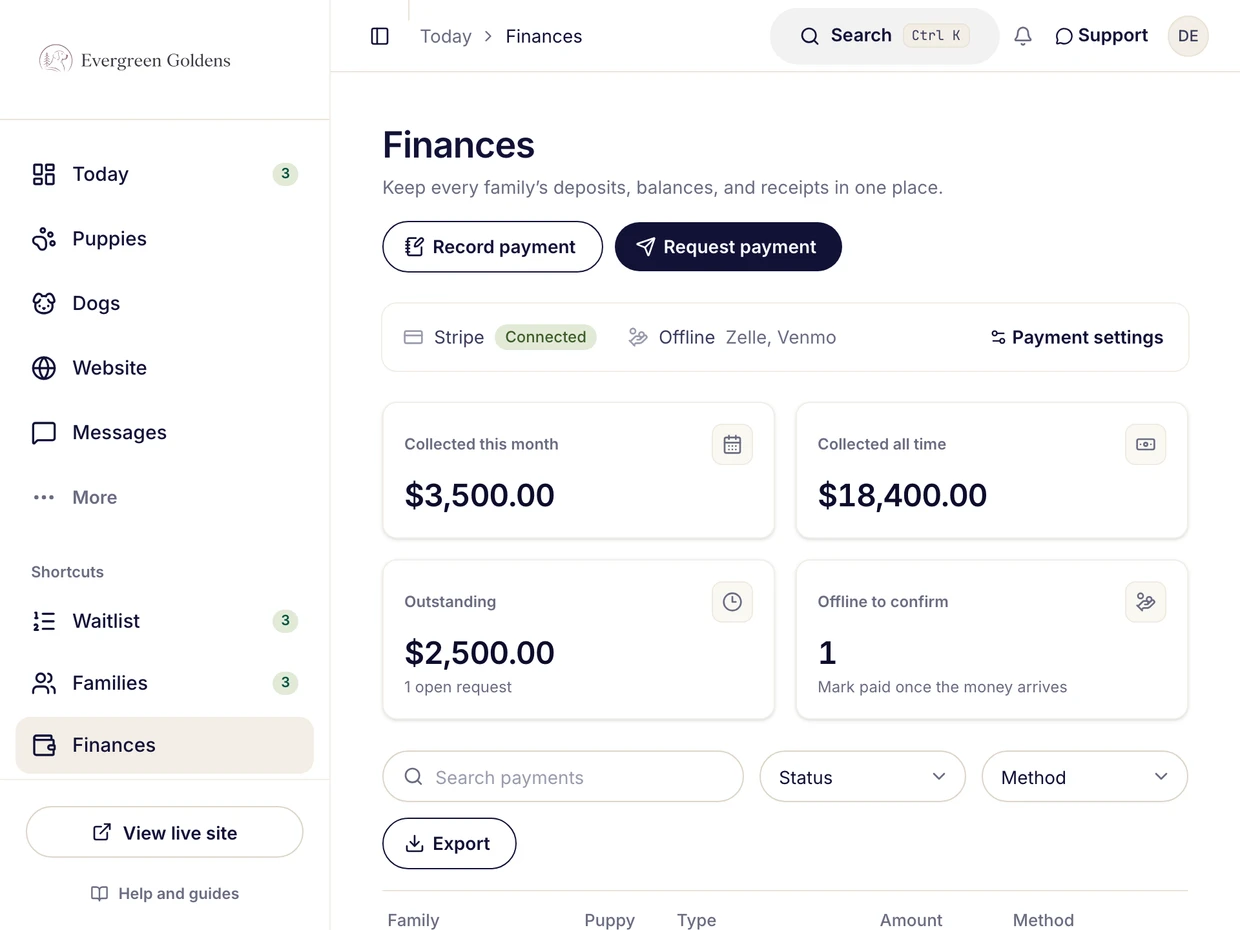
All your payments in one hub: deposits, balances, refunds, and credits. For each request you choose between card payments and offline methods like Zelle and Venmo.