








Operations8 of 9
One-Click Data Exports
Your waitlist, customers, payments and offers each download as a spreadsheet file with one click. Your records are never trapped inside Whelpify.
- Included in every plan
- 30-day trial for new customers
- No add-ons to buy
Try it. Choose a table, then press Export to download a sample of the file.
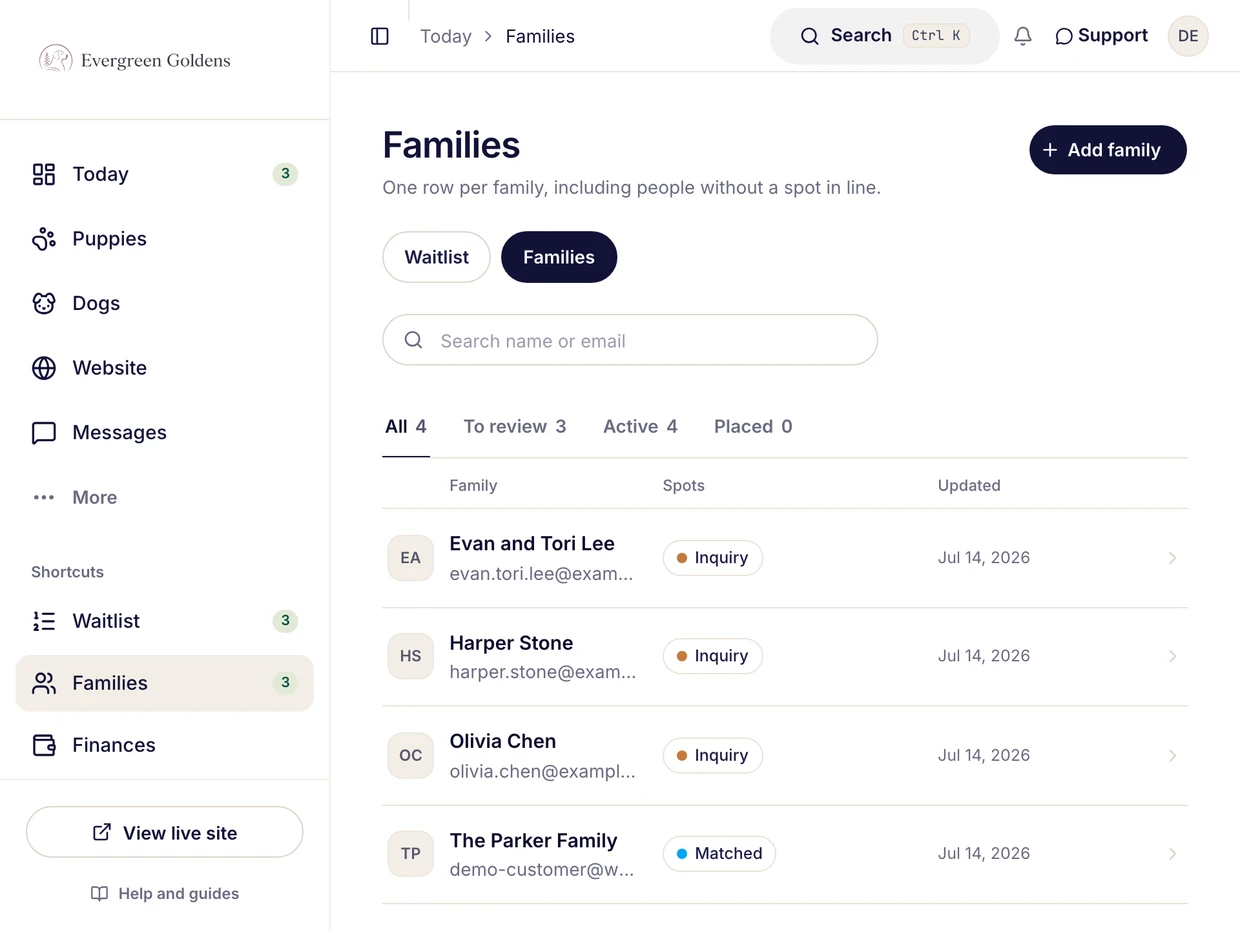
- Four Tables You Can TakeYour waitlist, your customers, your payments and your offers. The waitlist exports exactly the families you have filtered on screen.
- One Button, No WaitingExport sits on the table itself. Press it and the file downloads to your computer. No request to send, nobody to ask.
- A File Anything OpensA plain CSV file. It opens in Excel, Numbers, Google Sheets or your accountant’s software, with accented names intact.
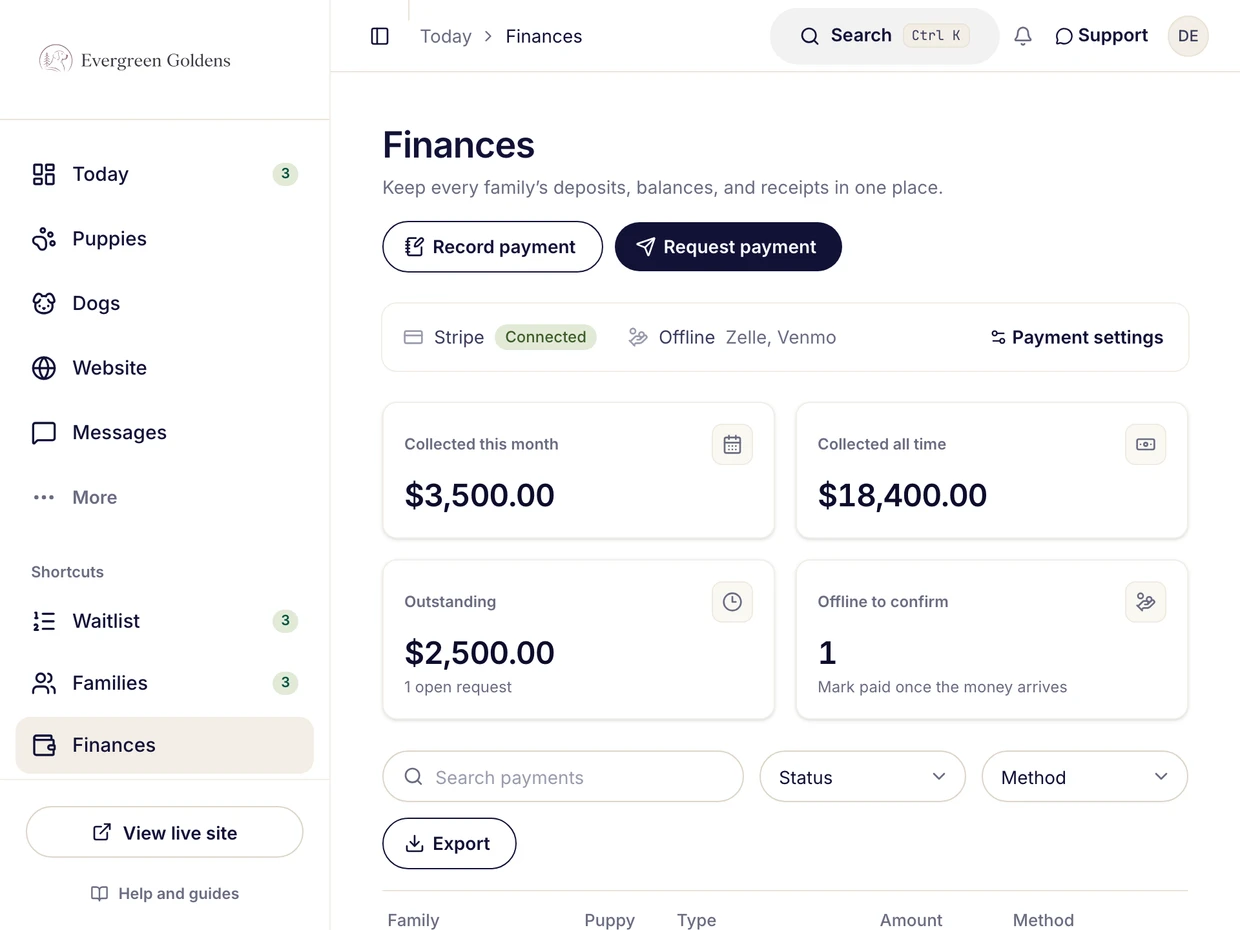
- Columns a Bookkeeper NeedsPayments come with the amount, what was refunded, how it was paid, its status and the Stripe reference. Scroll the sheet sideways to see them all.
Customer, payment and offer files hold up to 2,000 rows each. Names and notes typed by families are made safe, so a spreadsheet never runs them as formulas.

Why breeders use it
Your Records in a Spreadsheet, Whenever You Want
Export your waitlist, customers, payments and offers to CSV with one click, for your bookkeeper or your own backup.
Ready for Your Bookkeeper
The payments file has what tax time asks for: dates, amounts, refunds, how each payment was made and its status.
Your Records Stay Yours
Your waitlist, customers, payments and offers can leave Whelpify whenever you want a copy. You never have to ask us for them.
No Waiting on Anyone
The Export button is on the table you are already looking at, and the file downloads straight away.
Three simple steps
How It Works
Open the Table
Waitlist, Customers, Finances, or Offers.
Press Export
The CSV file downloads to your computer straight away.
Use It Anywhere
Excel, Sheets, or your accountant's software.
Included in every plan
What You Can Do With It
One-Click Data Exports is part of every Whelpify plan. There is no add-on to buy.

- Export your waitlist, customers, payments and offers
- Download a CSV file that Excel, Numbers and Google Sheets open
- Export the waitlist exactly as you have it filtered
- Give your bookkeeper amounts, refunds, payment methods and statuses
- Press Export on the table itself, with nothing to request
- Keep your own copy as often as you like
Good to know
Questions Breeders Ask
Something we did not cover?Write to us. A person replies within one business day.
Contact UsWaitlist entries, customers, payments, and offers each export to CSV directly from their tables.
One row per payment: when it was created and paid, the customer and their email, the puppy, the type of payment, the amount, anything refunded or pending refund, the currency, how it was paid, its status, the offer it belongs to, the Stripe reference and any note.
The customers, payments and offers files hold up to 2,000 rows each. The waitlist file holds every family in the view you have filtered.
Not as a CSV today. Export covers your waitlist, customers, payments and offers.
Better together