- Docs
- Dogs, litters, and puppies
- Pedigrees, health testing, and titles
Pedigrees, health testing, and titles
Link each dog's dam and sire, record health test results, and show registration details on your public profiles.
Updated September 2, 2026
On this page
- What this is for
- Where to find it
- Link a dog's parents
- Record health tests
- Registration numbers and titles
- What families see
- Common questions
- Do I have to fill in both parents?
- Why is my grandparent missing from the tree?
- Can I hide health results from the public?
- The parents are the same breed but the breed field is wrong
What this is for
Families comparing breeders look for two things above almost everything else: who the parents are, and what has been tested. Whelpify keeps both on the dog record, then builds the public family tree and health section from what you enter. You only have to type it once.
Where to find it
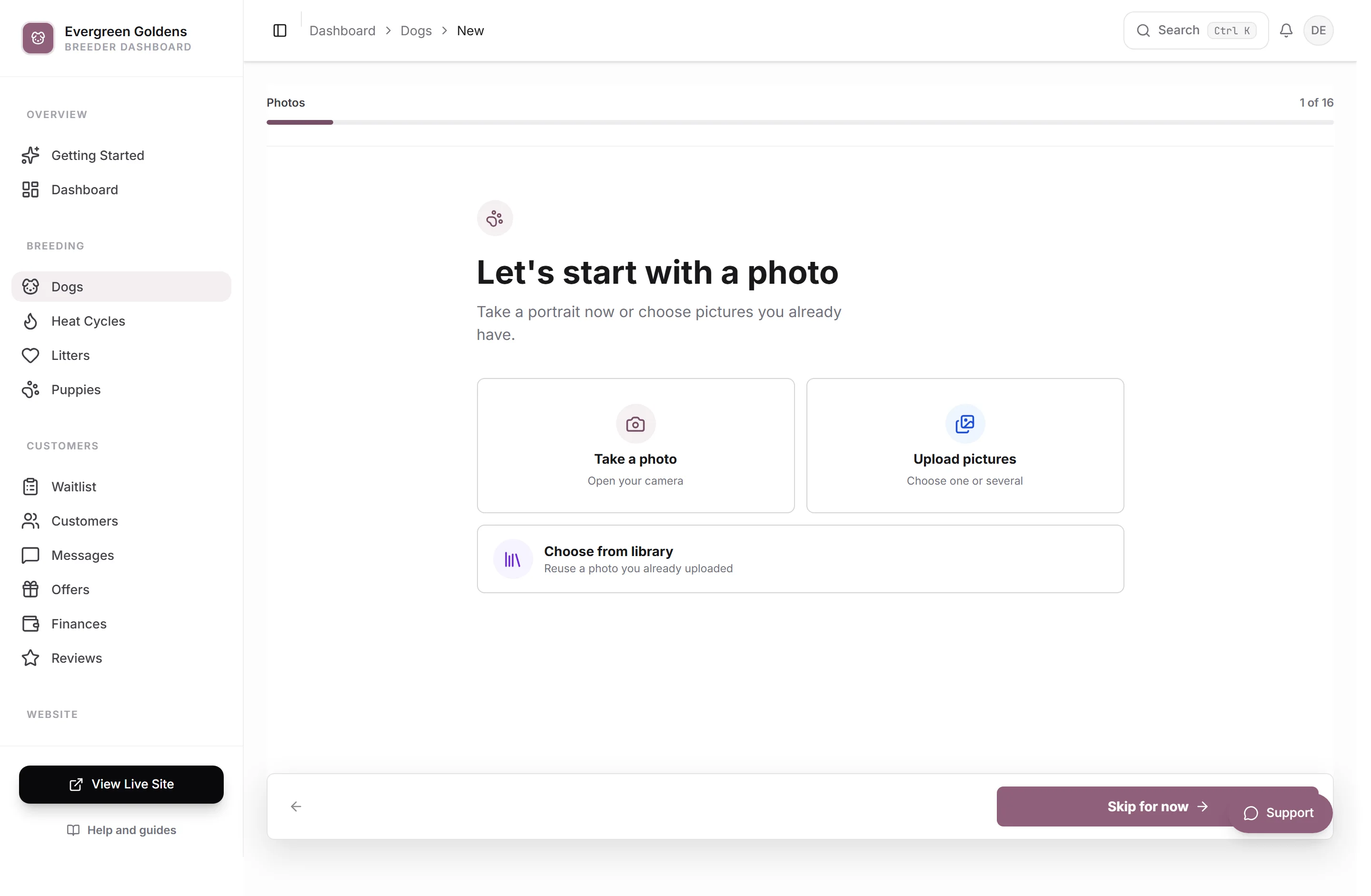
Open Dogs from the main dashboard menu and click a dog's name. The sections you need are Pedigree and Health tests.
Link a dog's parents
- Open the dog and click Pedigree.
- Under Dam, click the picker and choose the mother. Only dogs saved as female appear here.
- Under Sire, choose the father. Only dogs saved as male appear here.
- Click Save changes.
If both parents are the same breed and you have not typed a breed yourself, Whelpify fills the dog's breed in for you.
The parents have to exist as their own dog records first. To show grandparents on the public tree, open each parent and give that dog its own dam and sire. The public family tree spans three generations, so two rounds of this fills it out.
Record health tests
- Open the dog and click Health tests.
- Click any of the common tests to add it as a row: OFA Hips, OFA Elbows, OFA Cardiac, CAER Eyes, PRA-PRCD, Ichthyosis, or Degenerative Myelopathy.
- For anything else, click Add blank health test and type the name yourself.
- Fill in Result and Date for each row. Both are optional.
- Remove a row with the X at the end of it.
- Click Save changes.
On the public profile each test shows as its own line with the date underneath and the result on the right. A row with no result yet shows as Pending, which is a useful way to publish that a clearance is in progress.
Registration numbers and titles
Registration lives in the Identity section, in the Registration # field. AKC, UKC, and other registry numbers all belong here.
There is no separate field for titles. Breeders normally handle them one of two ways:
- Put them where they belong on paper, in the Registered name field, for example a championship prefix in front of the dog's name.
- Write them out in the Public bio in the Profile section, where you have room to say what the title is and what it took.
What families see
The public dog profile builds itself from these fields, in this order:
- The dog's own photos and details.
- A card for each parent, labeled Dam (Mother) and Sire (Father).
- The three generation family tree.
- Health Testing, listing every test you recorded.
- Litters connected to the dog.
- Any puppies from those litters that are currently marked available.
Filling in parents on your dogs is what turns the litters you create into linked, browsable history rather than a standalone page.
Common questions
Do I have to fill in both parents?
No. One parent, or neither, saves fine. The family tree section only appears on the public profile once at least one parent is linked, and unknown slots show as blank spaces in the tree.
Why is my grandparent missing from the tree?
The tree reads parents of parents. Open the dam or sire as their own record, set their Dam and Sire, and save. The grandparents appear on the original dog's tree right away.
Can I hide health results from the public?
Not per test. Everything you record on a dog appears in the Health Testing section of that dog's public profile. If a result is not ready to publish, leave the row off until it is, or add the test name with no result so it reads as Pending.
The parents are the same breed but the breed field is wrong
Whelpify only fills the breed in for you while you have not set it yourself. Once you pick a breed on a dog, it stays. Open the dog record, go to Identity, and change it there.
Still stuck? Email info@whelpify.com and a real person will help.