- Docs
- Your website
- Shop and recommended products
Shop and recommended products
Share the food, crates, toys, and supplies you recommend as a simple shop page on your website.
Updated September 2, 2026
On this page
What this is for
Every family asks the same question before pickup: what should I buy? The Shop screen turns your answer into a page on your website. Each item is a link to a product or resource somewhere else, with your own note about why you recommend it. Nothing is sold or checked out through Whelpify.
Where to find it
In the left sidebar, open Website, then Shop.
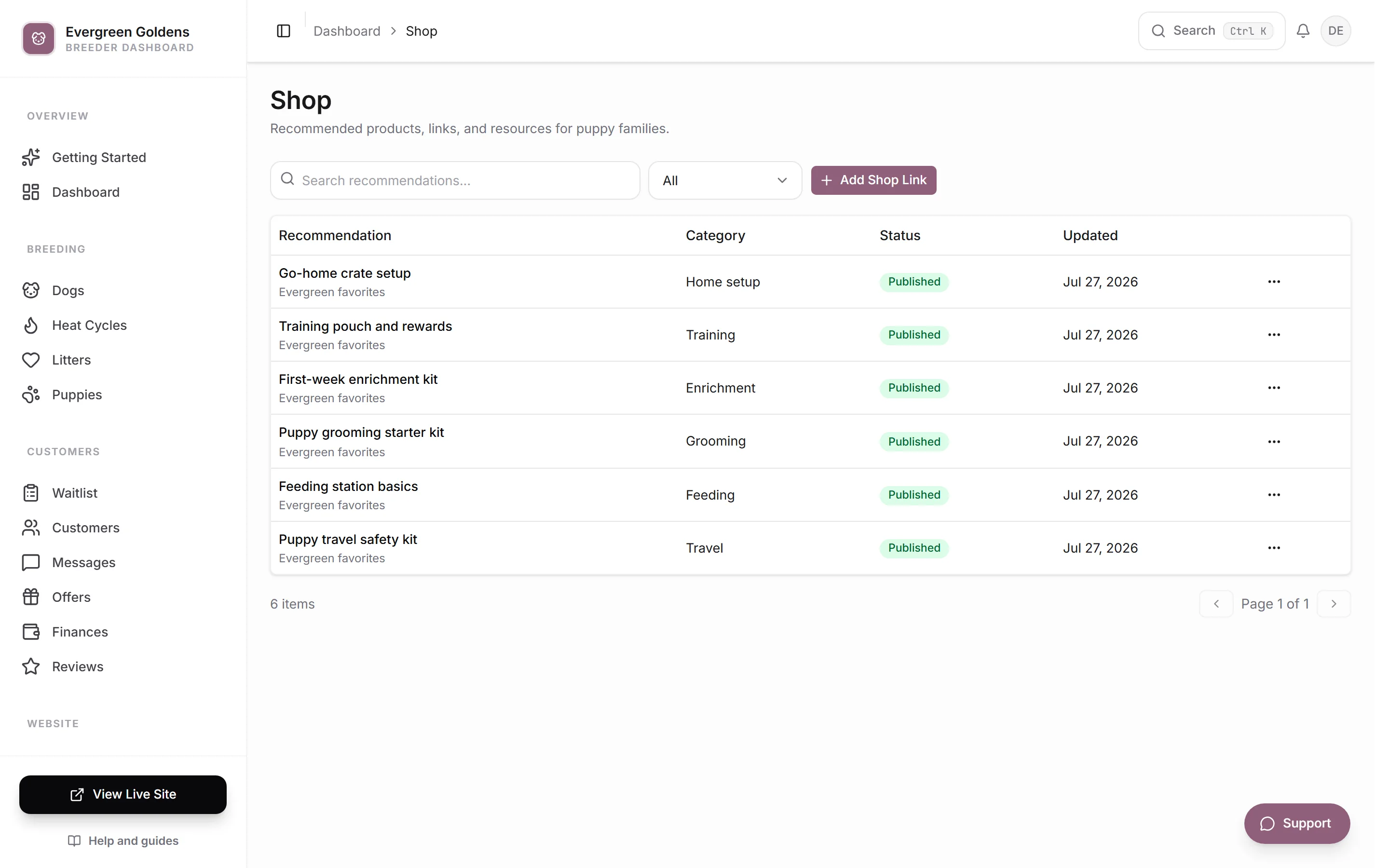
The list shows each recommendation with its category, status, and when it was last updated.
Add a recommendation
- Click Add Shop Link.
- Paste the Link to the product page.
- Type a Title, such as Favorite puppy food.
- Write a Description explaining why you recommend it for your families.
- Add a Category, such as Training or Feeding, so similar items group together.
- Set Status to Published to show it on your site, or Draft to keep working on it.
- Set Order if you want to control where it sits in the list. Lower numbers come first.
- Add an Image if you want to override the picture pulled from the link.
- Save.
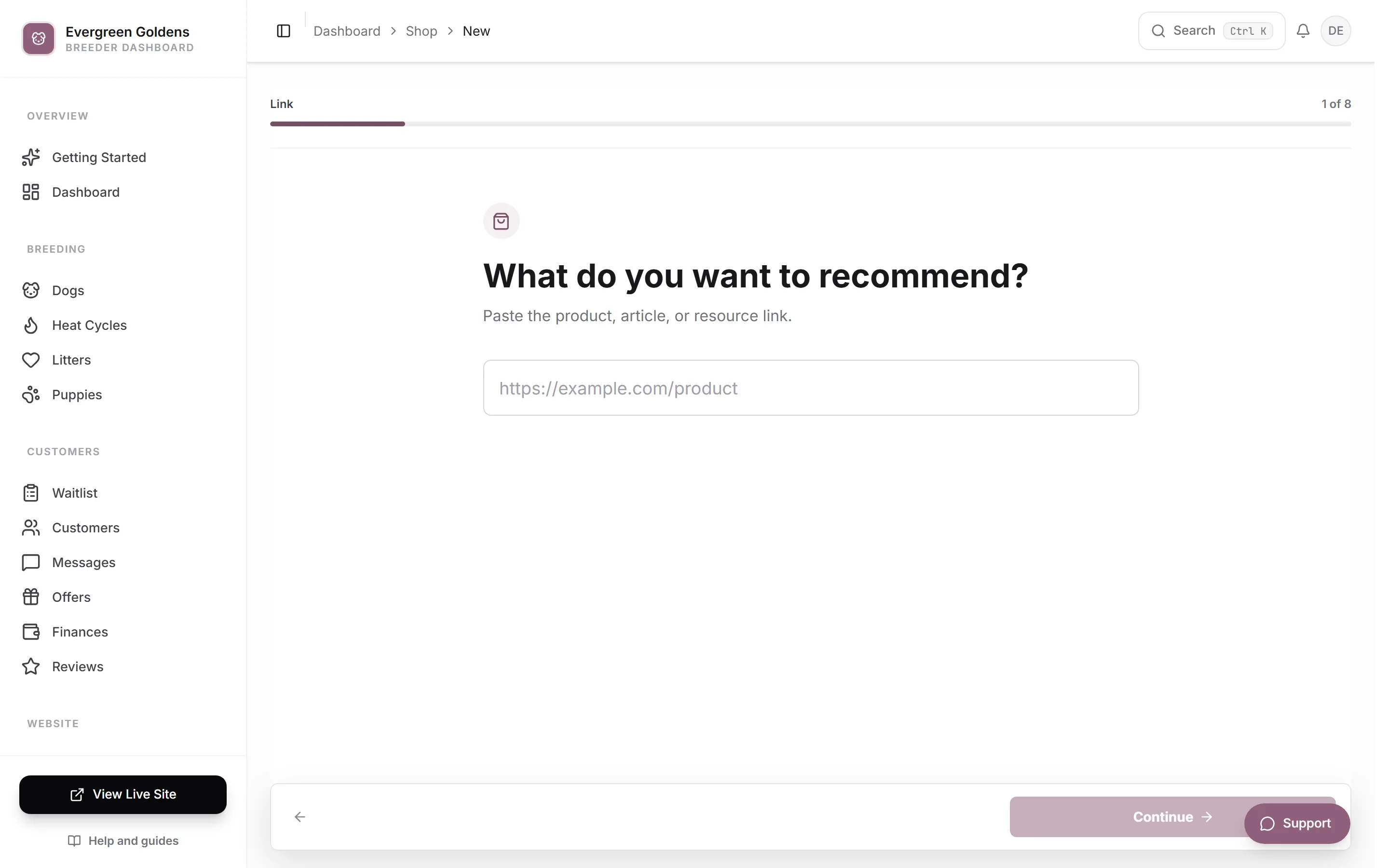
Whelpify tries to pull the title, description, and image from the link you paste, so the card usually fills itself in. Add your own Image when the link's picture is missing, blocked, or not the one you want, using the same picker as the rest of your media library. The How it will look card updates each time you save.
Edit or remove a recommendation
Click the row to open it, make your changes, and save. To take something down without deleting it, switch Status to Draft. Use the actions on the row to delete it for good.
Where it appears
Published recommendations show on your public shop page. If the page is not in your menu, add a link to it under Website, then Structure. See menus and site structure.
What to include
- The food you feed and the amount you send home.
- The crate size that fits a grown dog of your breed.
- A collar, leash, and harness you trust.
- The chews and toys that survive a teething puppy.
- Grooming tools for your coat type.
- A book or training program you actually recommend.
Common questions
Can families buy through my site?
No. Each item is a link out to wherever that product is sold. Whelpify does not run a checkout for supplies, and it does not handle shipping or stock. Payments in Whelpify are for deposits and puppy balances only.
Can I use affiliate links?
Yes. Paste whatever link you want in the Link field. Check the rules of the program you joined, since most require you to disclose the relationship somewhere on the page.
Why is the picture on my card wrong?
Some retailers block the preview image, so Whelpify falls back to whatever it can read. Upload your own Image on that recommendation to replace it.
How do I control the order of items?
Use the Order number on each recommendation. Items are sorted by that number, so give your most important recommendations the lowest values.
Still stuck? Email info@whelpify.com and a real person will help.