- Docs
- Your website
- Connecting or buying a domain
Connecting or buying a domain
Put your website on your own web address by connecting a domain you already own or buying a new one in Whelpify.
Updated September 27, 2026
On this page
- What this is for
- Where to find it
- Your Free First-Year .com
- Want Your Domain Before You Qualify?
- Transfer Your Domain
- Connect a domain you already own
- Buy a domain here
- After it connects
- Common questions
- Will my email break?
- How long does it take?
- Do I need to buy an SSL certificate?
- Can I use a domain I bought somewhere else and still let Whelpify handle everything?
What this is for
Your site works from the day you sign up at an address like yourkennel.whelpify.com. A domain of your own, such as happypawsgoldens.com, is easier to say on the phone and easier to print on a business card. You can connect one you already own, or buy one here.
Where to find it
Open Website and find the domain section. Choose Explore Domains, Choose My Free Domain, or Manage Domain, depending on your account. You can also find Custom Domain in More.
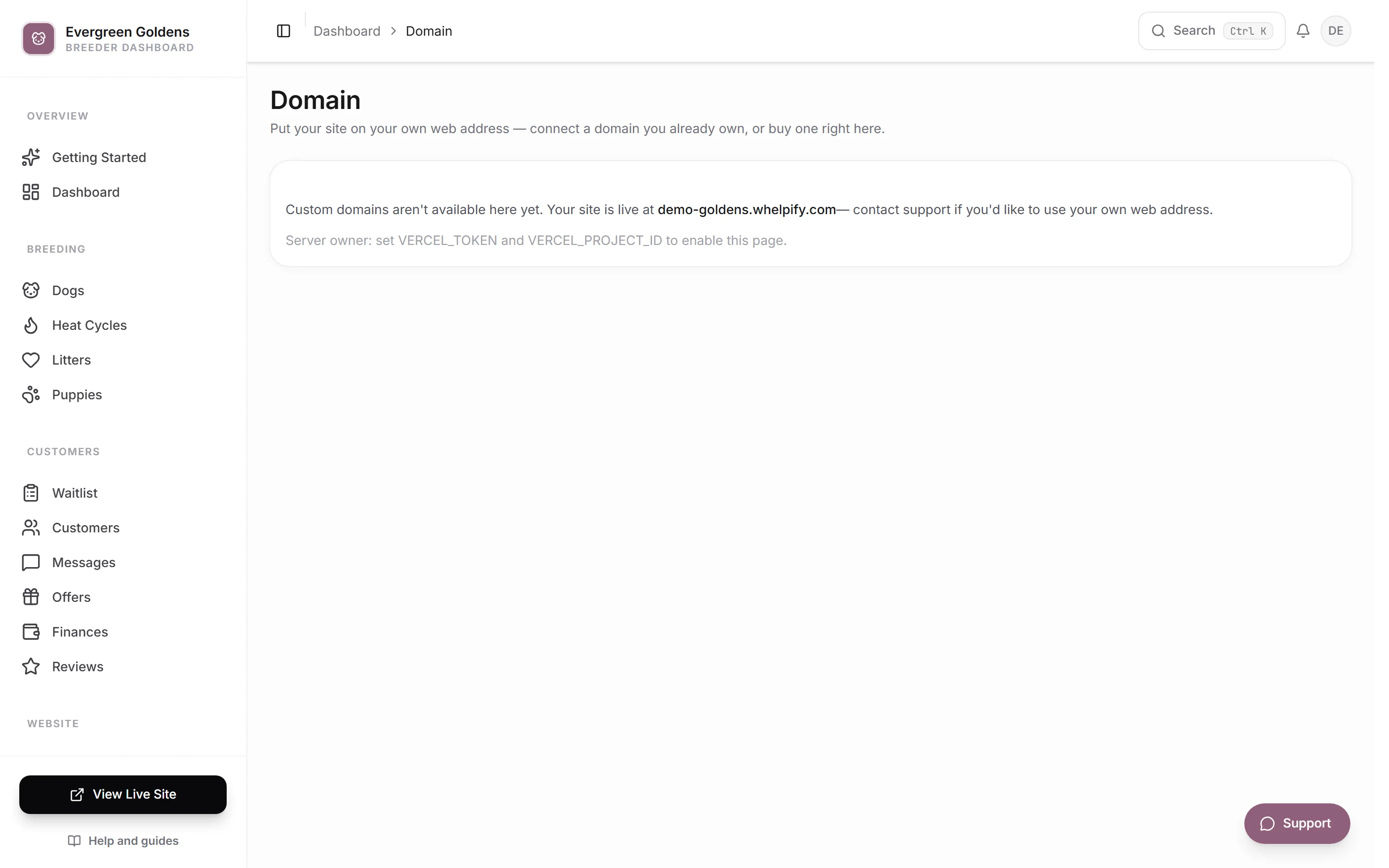
You are asked one question first. Choose I already own a domain and click Connect my domain, or choose I want a new domain and click Search for a domain. Your whelpify.com address keeps working either way, and you can always see it under Site address in your site settings.
Your Free First-Year .com
Your plan includes one new standard .com for the first year:
- Annual plans: no free trial. Your domain unlocks after the first successful annual payment.
- Monthly plans: new customers keep the 30-day trial. Your domain unlocks after the second successful monthly plan payment.
- Existing customers qualify too. We check your payment history automatically.
Keep your plan active to claim the offer. Free-trial invoices, failed payments, refunded payments, prorated plan changes, and domain-renewal charges do not count. One domain benefit per billing account. Premium names, domains bought elsewhere, renewals, and transfer fees are not included.
Want Your Domain Before You Qualify?
You can buy an eligible one-year standard .com through Whelpify now. The purchase screen shows the price and explains the credit before you pay. Once your second monthly plan payment succeeds, or your first annual payment succeeds, we automatically credit your registration cost toward your next Whelpify subscription bill. For example, a $13 domain bought during your monthly trial earns a $13 credit after your second paid month. It comes off the following bill, not the qualifying second payment.
This uses the same first-year domain benefit, so it does not include a second free domain. The credit applies to your Whelpify plan, not domain renewals. Any unused amount carries forward to another plan bill. Your domain stays registered to you. Refunded or disputed purchases do not earn a credit, and the benefit is not a cash refund.
Choose I want a new domain, search for a standard .com, and look for Free for your first year. Enter your own contact details, review the renewal price, and select Register My Free Domain. No payment is collected for the first year. We register it to you and connect it automatically. Check your inbox for the registrar's contact-verification email.
After the first year, registration renews at the yearly price shown when you claim. Standard .com renewals are currently $13 per year. Your saved card is charged about 37 days before registration expires so the renewal can finish on time. The exact next charge date appears in Custom Domain. You can turn off automatic renewal anytime.
If you cancel Whelpify, future domain renewal billing stops. Your existing registration remains yours through its paid registration period. Transfer it before it expires if you want to keep using it elsewhere. Restarting your Whelpify plan before the domain renewal subscription ends can resume renewals that were paused for cancellation. Renewals you switched off yourself stay off.
Transfer Your Domain
Open Custom Domain, then Your Domain Belongs to You and Transfer to Another Provider. Request your transfer code and enter it with your new provider. Requesting the code turns off future Whelpify domain renewals. Your new provider may charge for a registration extension.
Newly registered domains normally have a 60-day transfer lock. Your dashboard and transfer option remain accessible after canceling Whelpify. If the registrar says the domain is locked, wait until the lock ends or contact us for help. You do not have to pay Whelpify a release fee.
Connect a domain you already own
- Click Connect my domain.
- Type the domain exactly as you own it, such as happypawsgoldens.com, and click Continue.
- Choose how to connect it. Copy a couple of settings is the recommended option: two small edits where you bought the domain, with your email and everything else untouched. Hand the whole domain to us changes your nameservers instead, which is only safe if nothing else runs on that domain.
- If you are asked to prove you own the domain, copy the single verification record shown into your domain provider.
- Copy the settings from the table into the DNS page at your provider. Each row gives you the Type, Name, and Value to enter.
- Click Check status.
Whelpify checks your domain while you work and tells you what it finds. If a setting is already correct, it says so. If a setting points somewhere else, it warns you to edit that existing row rather than adding a second one, because two rows with the same name conflict. It also names your domain provider and links you straight there when it can recognize it.
Changes at your provider can take a few minutes to a few hours to travel. You do not have to sit and wait. Whelpify keeps watching and finishes the connection on its own, and your security certificate is set up for you.
Buy a domain here
- Click Search for a domain.
- Type the name you want and search.
- Review what is available and pick one.
- Enter the registration contact details the registry requires, then click Continue to payment.
- Enter your card details and finish the payment.
Whelpify registers the domain, connects it to your site, and handles the security certificate. There is nothing to copy and no DNS to edit.
A domain you buy here renews automatically each year unless you turn renewal off. Open the Custom Domain screen to see the renewal date and price, and use Cancel auto-renewal if you do not want it to renew. If renewal is already off, the same button reads Turn auto-renewal on. A domain with renewal turned off expires at the end of its registration.
After it connects
Your site answers on the new address, and the links Whelpify builds for you, including your sitemap, use it. See getting found on Google. Your whelpify.com address keeps working, so anything you shared earlier still finds you.
Common questions
Will my email break?
Not if you use Copy a couple of settings. Those edits move your website only. The nameserver option hands over the whole domain, and email set up on it would need to be rebuilt, so avoid that one when email matters.
How long does it take?
Often a few minutes. Some providers take a few hours to publish changes. The Custom Domain screen shows the current status, and Check status rechecks on demand.
Do I need to buy an SSL certificate?
No. The certificate that gives visitors the padlock is issued and renewed for you.
Can I use a domain I bought somewhere else and still let Whelpify handle everything?
Yes, with Hand the whole domain to us. Replace the nameservers at your provider with the two values shown. Only do this when nothing else, especially email, depends on that domain.
Still stuck? Email info@whelpify.com and a real person will help.