- Docs
- Waitlist and customers
- Messages: your inbox
Messages: your inbox
Read puppy inquiries, reply to families, and keep every conversation with a buyer in one place.
Updated September 2, 2026
On this page
What this is for
Every message a family sends you through your website lands here, and every reply you send goes back to them in their account. One thread per family, so you never have to dig through your personal email to remember what you told someone.
Where to find it
Open Messages from the main dashboard menu.
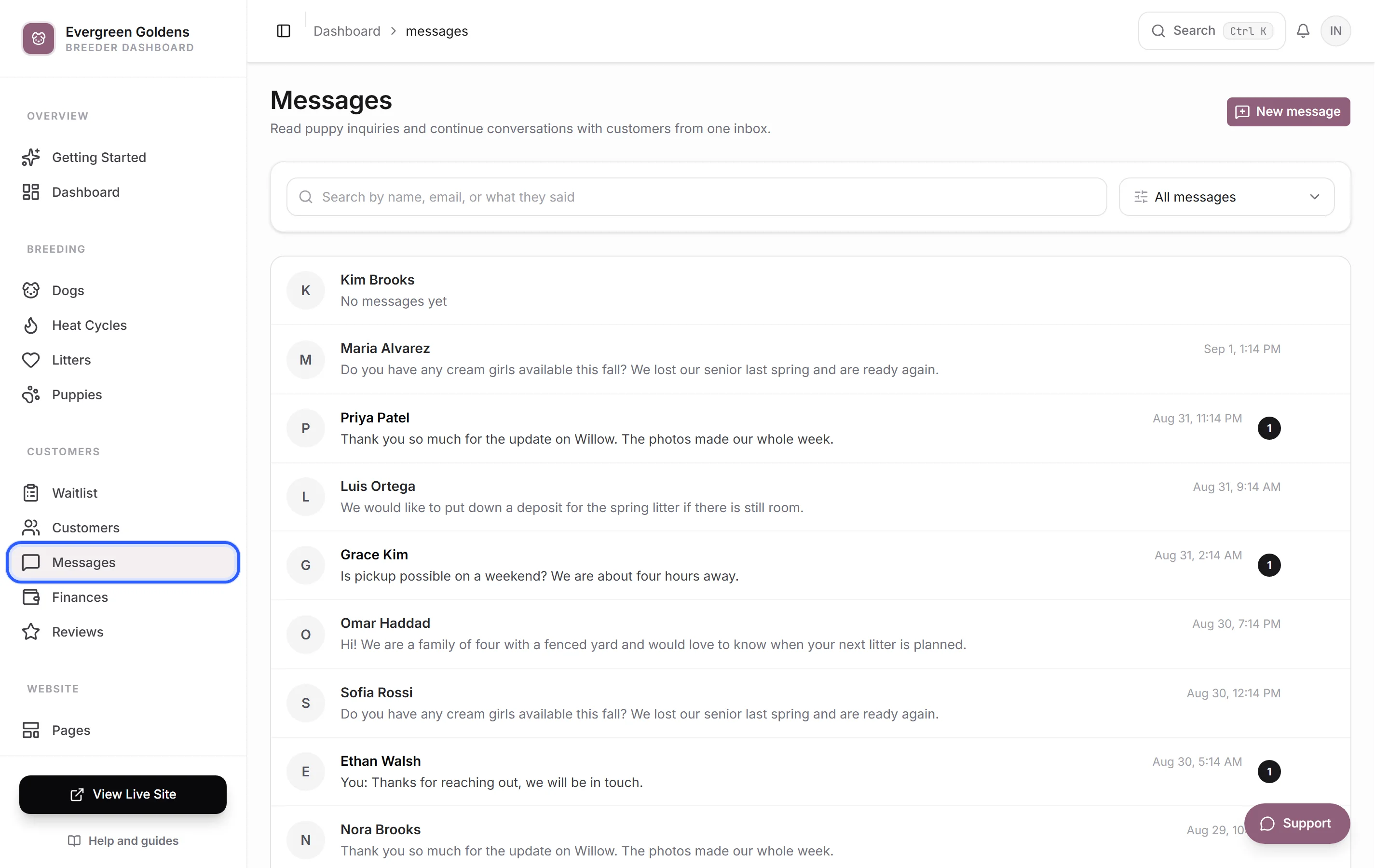
Each row shows the family's name, the last line of the conversation, and when it arrived. A reply you sent is prefixed with You:. Unread conversations are bold and carry a number on the right.
Find a conversation
- Type into Search by name, email, or what they said. The list refilters as you type.
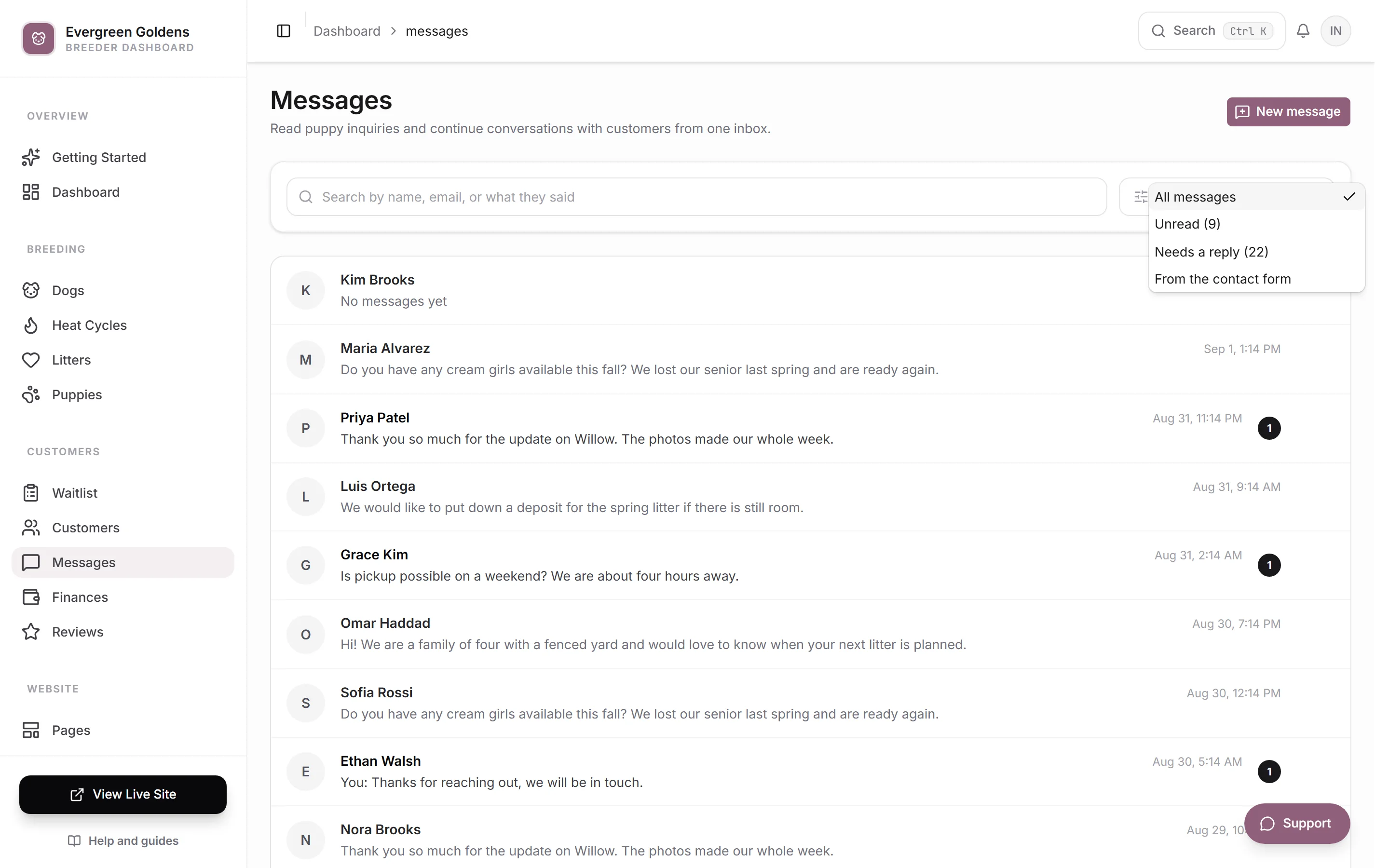
- Use the dropdown beside it to narrow the list:
- All messages
- Unread, with a count of how many
- Needs a reply, meaning the family spoke last
- From the contact form
- Click Clear to drop the search and the filter at once.
The inbox shows 20 conversations at a time. Use Previous and Next at the bottom to move between pages. Your search, filter, and page stay in the address bar, so refreshing keeps your place.
Read and reply
Click a conversation to open it.
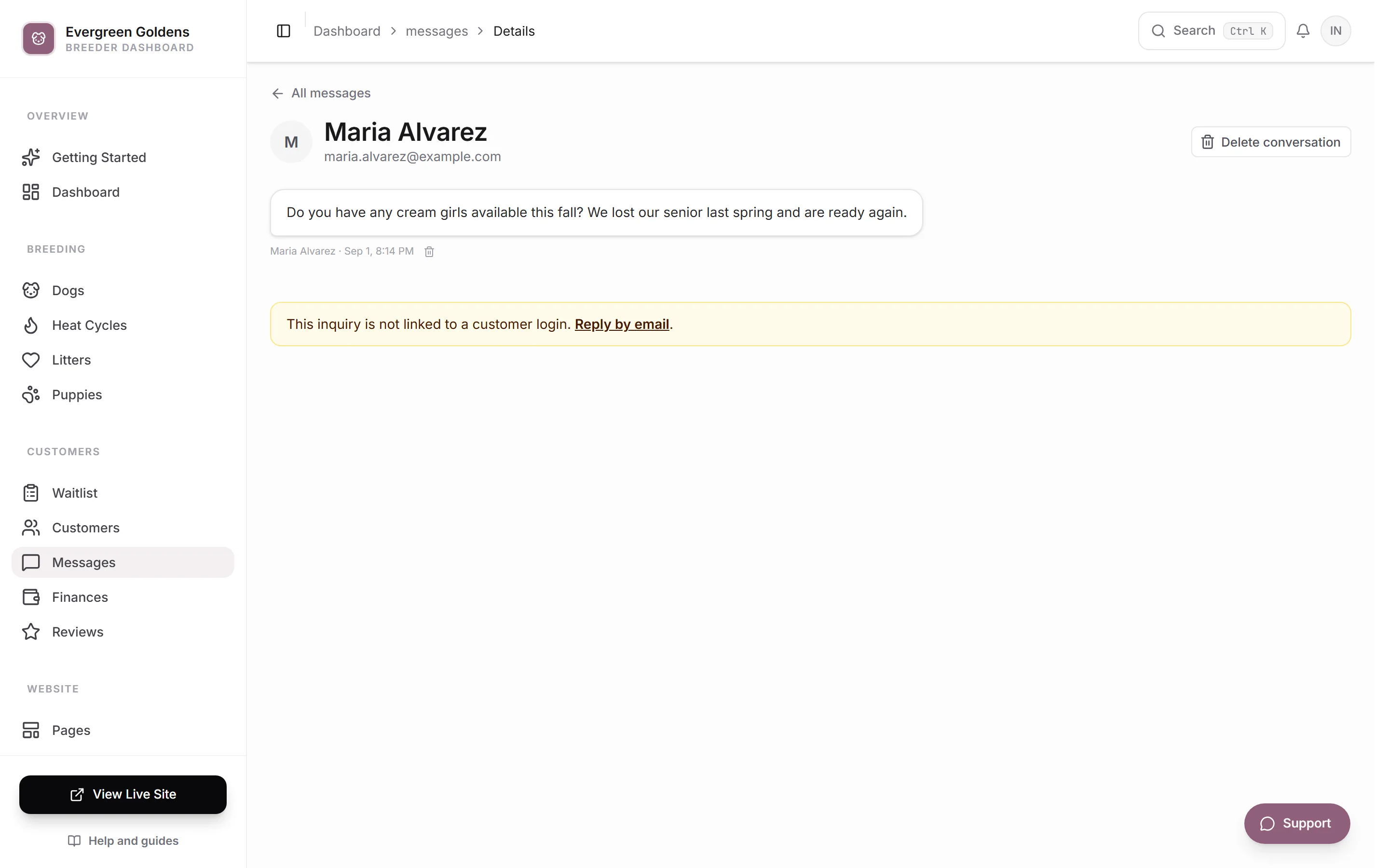
- Read the thread. Their name, email, and phone number sit at the top, and the phone number is tappable.
- Type your reply in the box at the bottom. Messages can be up to 4,000 characters.
- To point at a specific puppy, choose one from Link a puppy (optional). It shows in the thread as a puppy card they can open.
- Click Send.
Opening a conversation marks it read, so the bold styling and the unread count clear on their own.
Start a conversation
- Click New message.
- Search for the family by name or email.
- Click their name. Their thread opens, ready for you to write.
Only families with an account on your site appear in that list. To give someone an account, see customer records.
Delete a message or a conversation
To remove one message, hover it and click the small trash icon beside it, then confirm. To remove the whole thread, open it and click Delete conversation at the top right, or hover the row in the inbox and click its trash icon.
Deleting removes the message or the thread for you and for the family, and it cannot be undone.
Common questions
Do families get an email when I reply?
Yes. They get an email under your kennel name with your message and a secure button that signs them in and opens the thread. The button works once and expires after 30 minutes. Replies to that email are not monitored, so everything comes back to you here in their customer portal.
Why does a message appear that I did not send?
Whelpify posts a short note into the thread when something happens that the family should see, such as an offer going out. It keeps the conversation reading as one timeline, and it does not send a second email.
What counts as needing a reply?
Any conversation where the family spoke last. That filter is the quickest way to clear your day, even after you have already read everything.
Where do puppy inquiries go?
An inquiry about a specific puppy starts a conversation here and also shows on that family's row in the waitlist under Interested In.
Still stuck? Email info@whelpify.com and a real person will help.