- Docs
- Your website
- Getting found on Google
Getting found on Google
What Whelpify handles for you, and the few things you can fill in so families searching for your breed find your site.
Updated September 2, 2026
On this page
- What this is for
- What Whelpify does automatically
- Where to fill in the rest
- Set your site description
- What actually helps
- Common questions
- Do I need to submit my site to Google?
- Why does my page not show up when I search my kennel name?
- Should I fill in the Google title for every page?
- Does taking a page offline hurt my ranking?
What this is for
Search engines have to find your pages, read them, and decide they answer somebody's question. Whelpify does the technical half for you. This guide covers the handful of fields you fill in yourself, and what actually moves the needle for a breeder.
What Whelpify does automatically
- A sitemap. Your site publishes a list of every public address at /sitemap.xml, and it updates itself. Published pages, dogs, litters, available puppies, blog posts, and your reviews page are all in it.
- A robots file. At /robots.txt, it invites search engines in, keeps them out of your customers' private account area, and points them at your sitemap.
- Clean addresses. Each page, dog, litter, puppy, and post gets its own readable web address.
- A browser tab icon. Generated from your main accent color.
- Security. Every site is served over a secure connection, which search engines expect.
Pages you take offline drop out of the sitemap, and drafts are never listed.
Where to fill in the rest
In the left sidebar, open Website, then Pages, open a page, and expand Page settings at the bottom of the left panel.
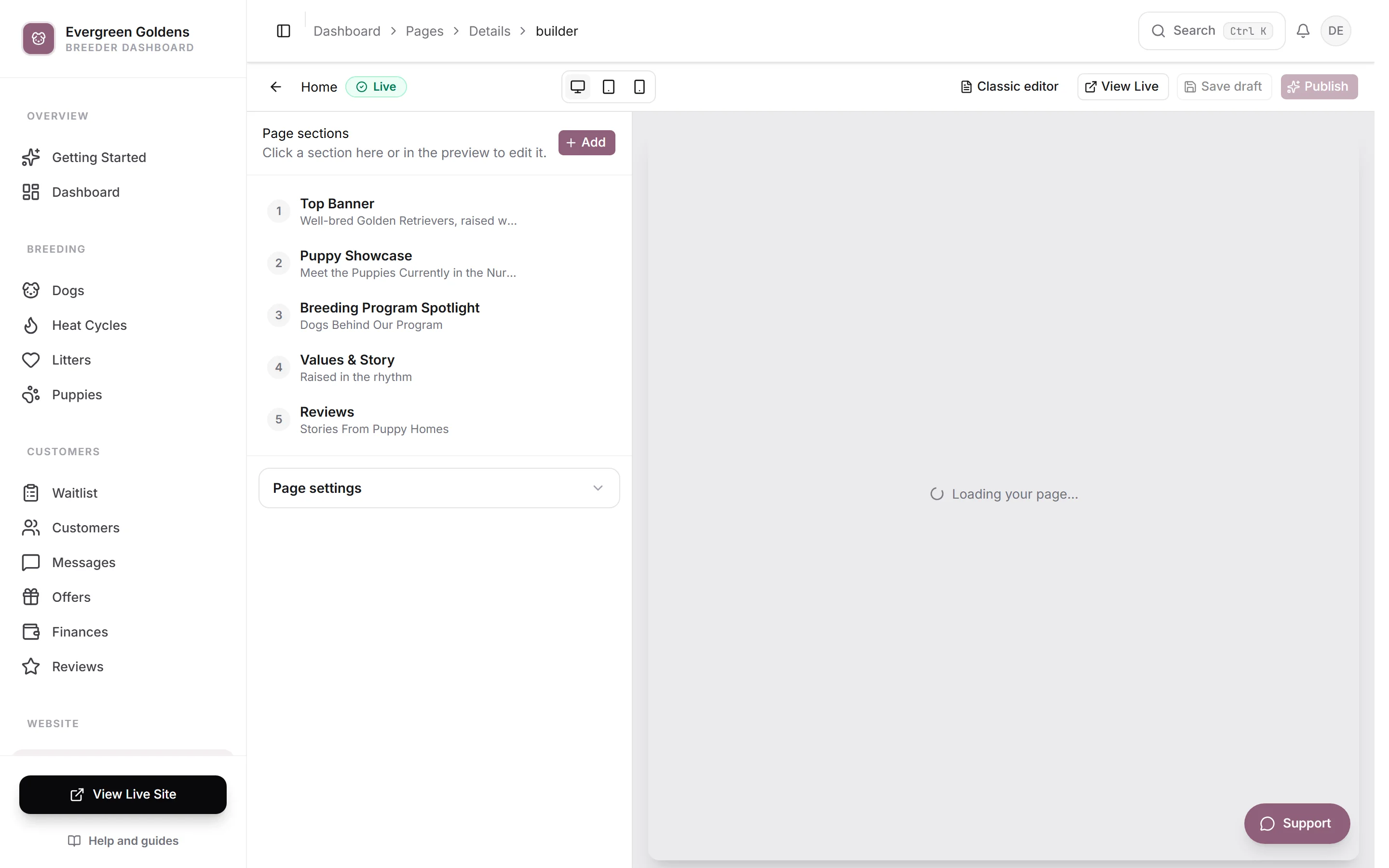
Three fields there decide how the page looks in search results and in a shared link:
- Google title (optional) is the clickable blue line. Keep it short and specific, like Golden Retriever Puppies in Vermont.
- Google description (optional) is the gray text underneath. Write one or two plain sentences a person would want to click.
- Preview image (for Google & social media) is the picture that appears when someone pastes your link into a message or a post. Use a real photo of your dogs.
Leave a field blank and Whelpify falls back to your page and site information, so nothing breaks. Filling them in just gives you the wording instead.
Set your site description
Open Account, then Settings, choose the General tab and the Identity section. Site name is used across your public site and the emails Whelpify sends for you. Site description is a short paragraph shown at the top of your homepage, and it is also what search engines fall back to when a page has no description of its own.
What actually helps
- Publish your pages. A draft is invisible. Check the Status column on the Pages list.
- Say where you are. Put your state or region in your home page headline, your site description, and your page titles. Almost every family searching for a puppy adds a place name.
- Name your breed the way people type it. Include the full breed name, not just an abbreviation you use with other breeders.
- Write posts. Each one is another page answering a real question. See writing blog posts.
- Describe your photos. The What's in this photo field in your media library is what image search reads.
- Keep puppies and litters current. Those pages are in your sitemap, and fresh, accurate listings are what visitors came for.
- Use your own domain. It is easier to remember and easier to share. See connecting or buying a domain.
Common questions
Do I need to submit my site to Google?
No. The sitemap and robots file are enough for search engines to find you on their own. You can add your site to Google Search Console if you want to watch how it is doing, which is optional and done on Google's side.
Why does my page not show up when I search my kennel name?
Give it time, and check three things: the page is published, the page is reachable from your menu, and your kennel name appears in the page text rather than only inside an image.
Should I fill in the Google title for every page?
Only where it helps. The home page, your puppies page, and your main breed page are worth the effort. The rest can inherit the page title.
Does taking a page offline hurt my ranking?
The page leaves your sitemap and stops being listed, which is exactly what you want when it should not be public. Take pages offline rather than leaving thin, empty pages published.
Still stuck? Email info@whelpify.com and a real person will help.